Dashboard
The dashboard is the home page of the portal's administration section (or back office). It displays a variety of statistical information.
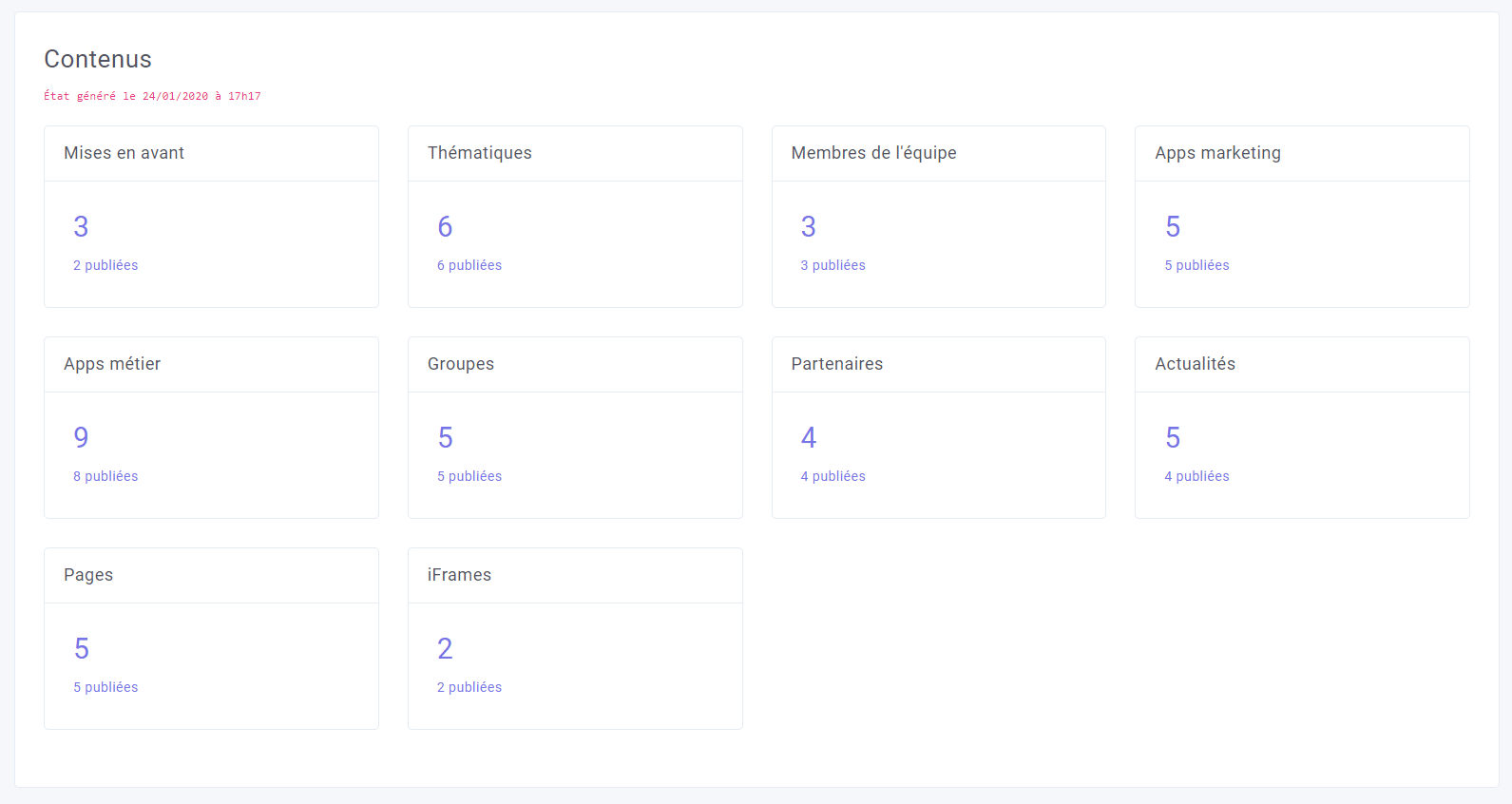
Contents
For each type of content, the total number of items and the number of published items are displayed. When the administrator clicks on the number, they are automatically redirected to the corresponding list of content.
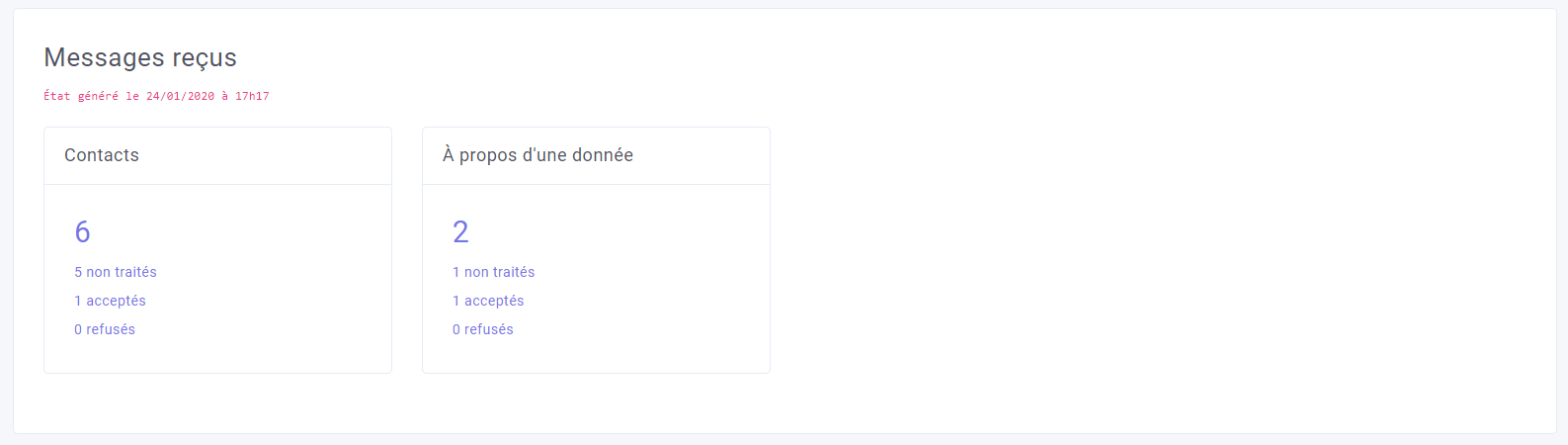
Received Messages
As with content, the same features are available for received messages.
Data Distribution
Provides basic metrics on data distribution:
- by type
- by format
- by keywords (24 most commonly used)
- by topic: Inspire
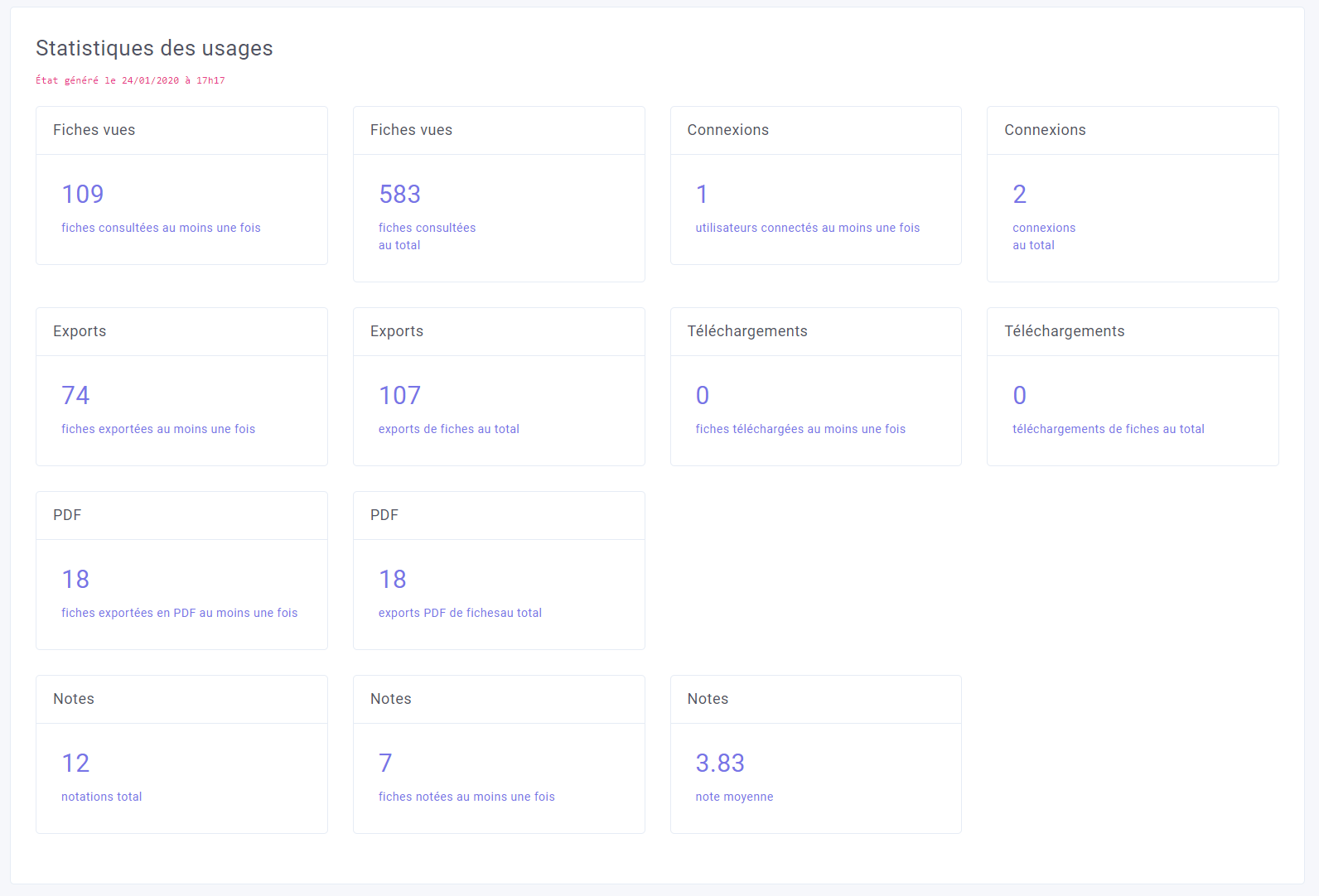
Usage Statistics
Summary of the portal's usage and viewership statistics.
Service Status
Check API access, mail server functionality, etc.