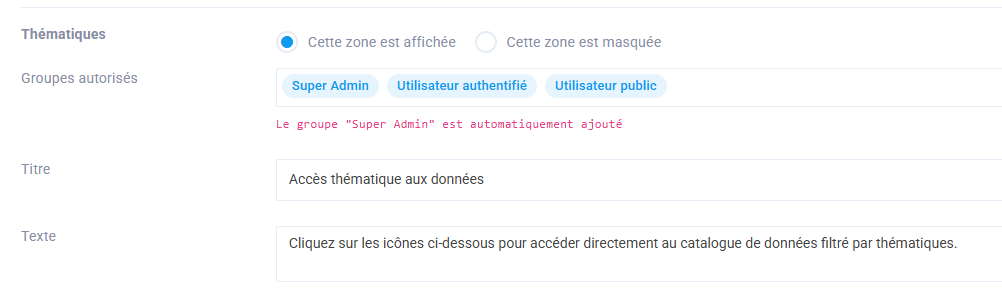
Widget Titles and Display
This menu lets you configure how widgets are displayed on the home page.
Home Page Image
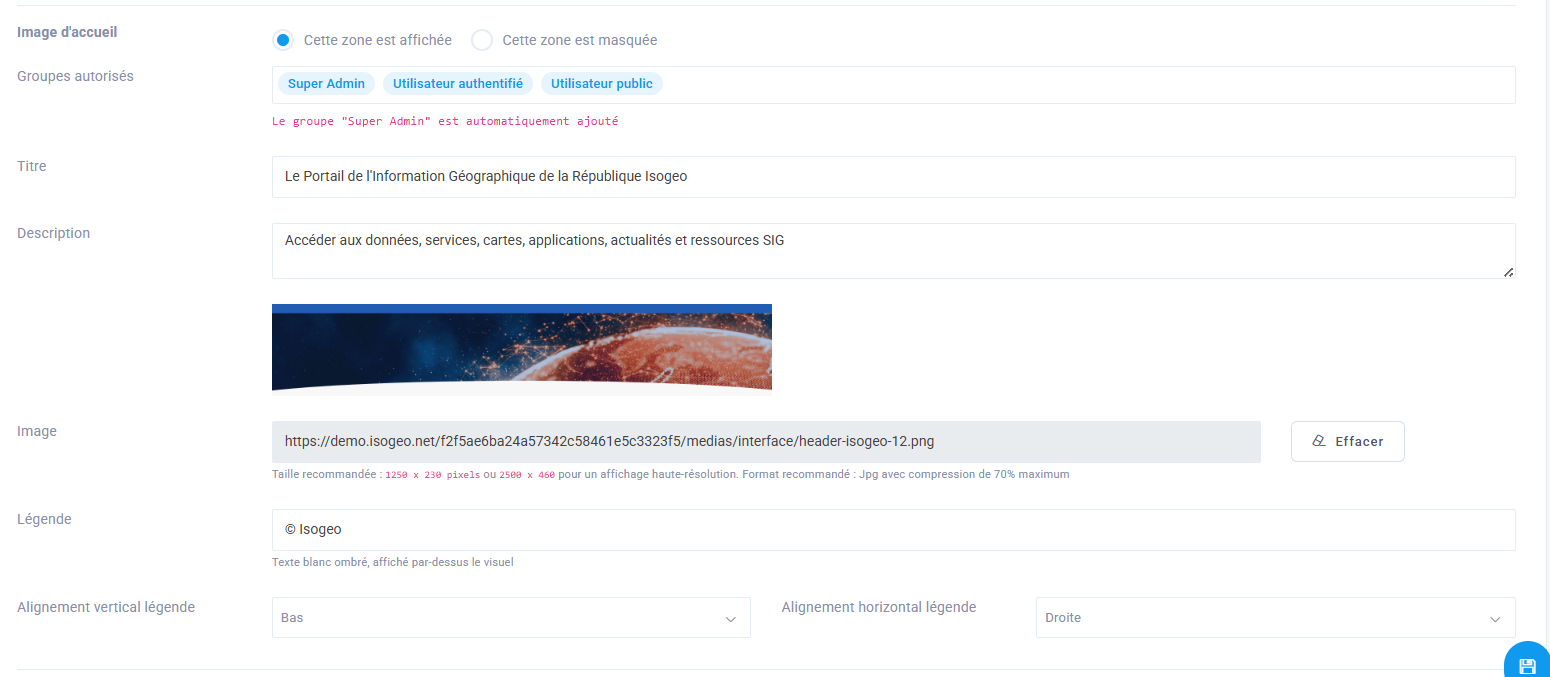
The first " Home Page Image " widget is the one for the banner image on the home page. Here are the settings you need to configure:
- Show or hide the
Home Imagewidget - Authorized groups: Select the groups that will have access to the welcome image (presumably all of them)
- Title: Enter a title for the page (e.g., The Isogeo Geographic Information Portal)
- Description: Enter a subtitle (e.g., Access data, services, maps, applications, news, and GIS resources)
- Image: Upload a homepage image, making sure to adhere to the recommended dimensions of 1250 x 230 pixels or 2500 x 460 pixels for high-resolution display.
- Caption: Add a caption to the image if necessary (e.g., © Isogeo)
- Vertical alignment of the legend (e.g., Bottom)
- Horizontal caption alignment (e.g., Right)
Result in the interface

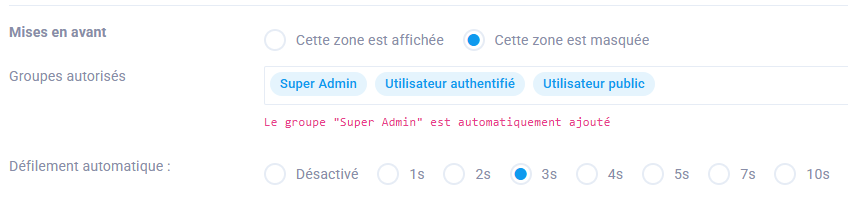
Highlights
For this widget that displays featured items, you can configure the following:
- Whether or not to display the " Featured" widget
- the groups authorized to view it
- the auto-scroll time, if enabled
Other widgets
For the other widgets, you can enter a title and subtitle and choose whether or not to display them on the home page based on the selected groups.