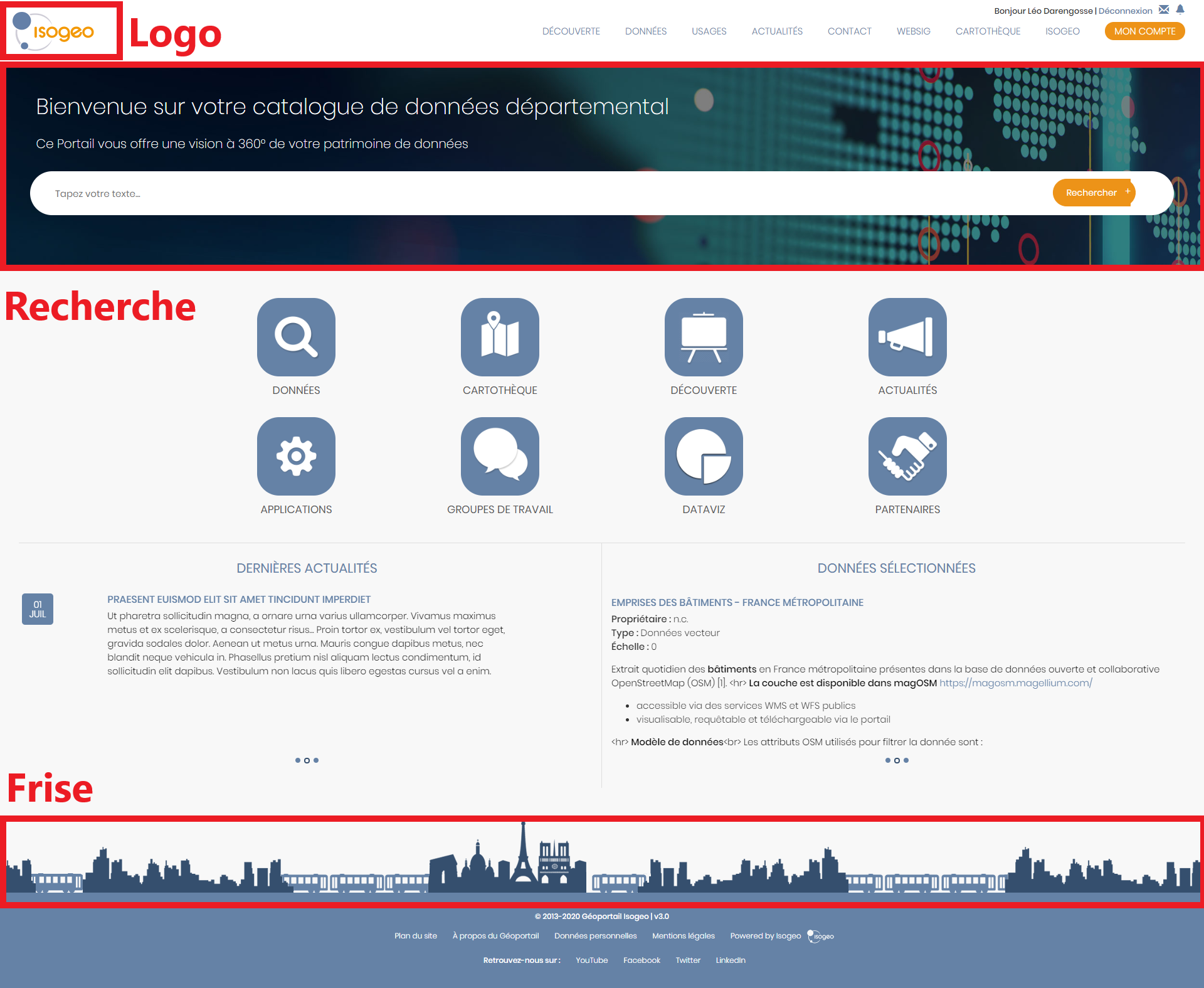
General Display Settings
Note
Please note: This menu is intended for advanced users only. Contact Isogeo if needed.
In this section, you can customize the portal's appearance.
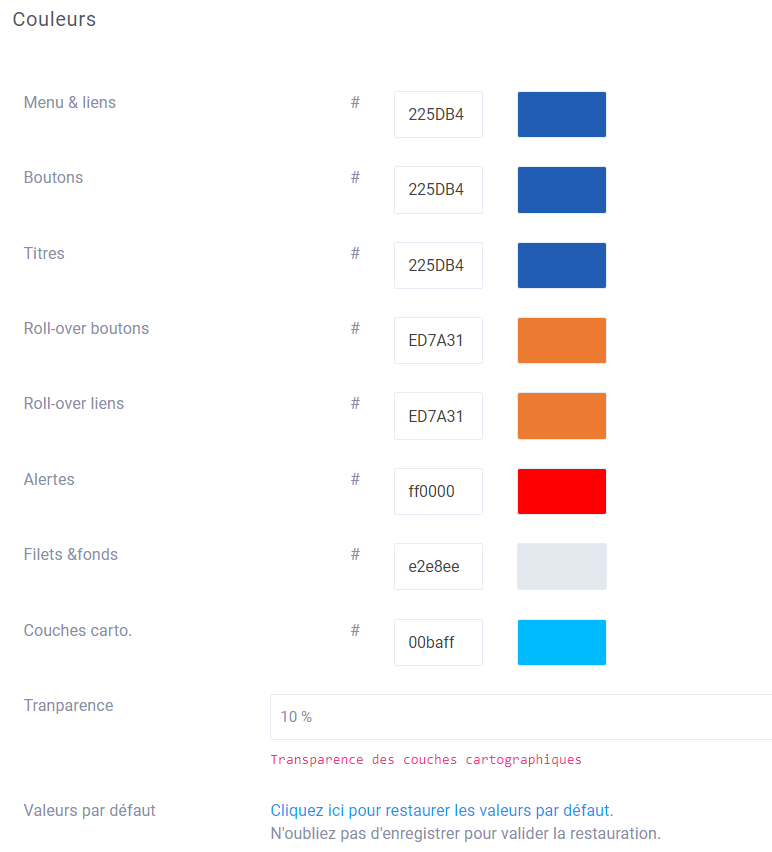
Colors
You can configure 8 colors to be applied to different elements of the site. Colors must be entered in hexadecimal format.
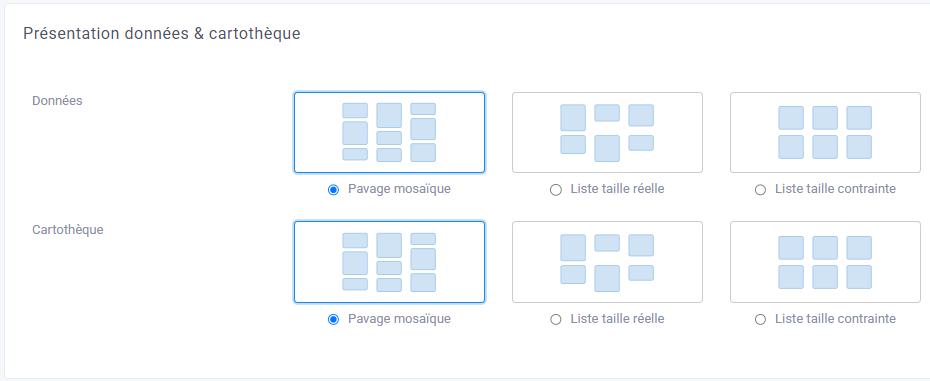
Data Presentation & Map Library
This menu lets you choose how data and maps are displayed on their respective pages.
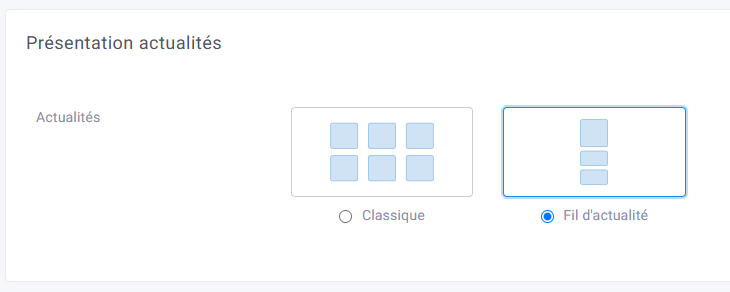
News Presentation
This menu lets you choose how news items are displayed on the news page.
CSS
This feature is intended for advanced users and allows you to customize the appearance of any element on the site using CSS commands.
This feature should, of course, only be used for items that cannot be configured in the site's other administration menus.
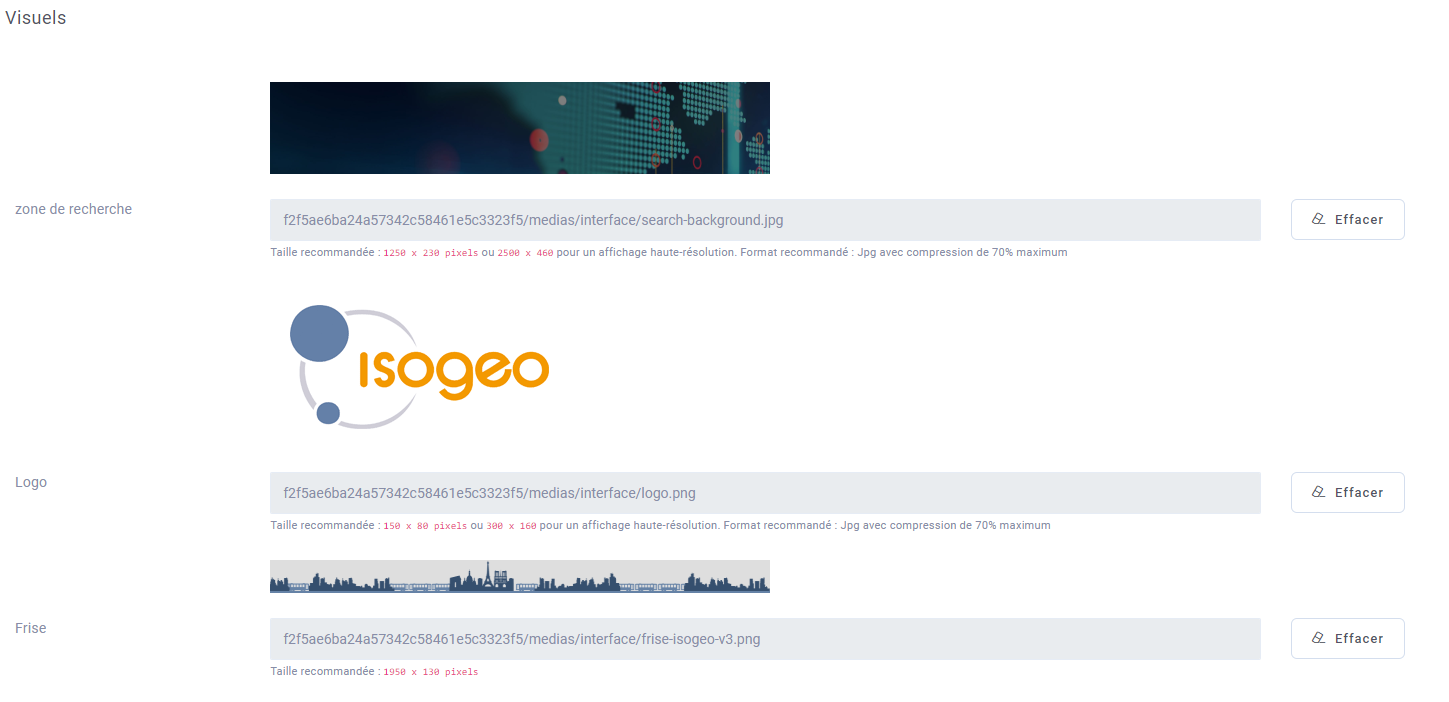
Visuals
For each item below, you can select an image. To do so, click " Add " or " Delete," then "Add " to insert an image from the media manager.
- Search Area
- Logo
- Frieze
- Footer logo
- Base Map URL: Allows you to select the OpenLayers base map used in the portal in XYZ format
Example of settings in the back office
Results in the front office