Service configuration
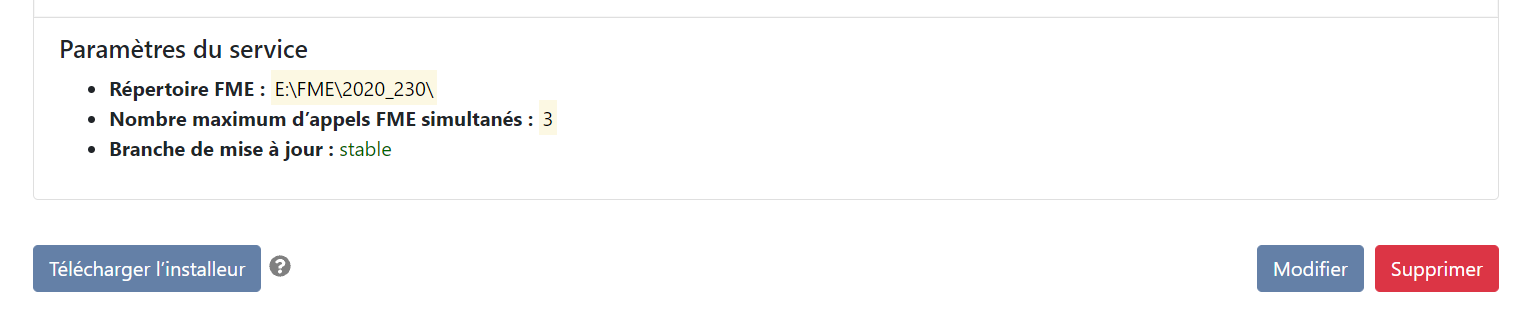
Since version 2.5, the service is fully configurable from the interface. To modify the configuration, open the service details by clicking on its name in blue on the scan home page, then click on the modify button.
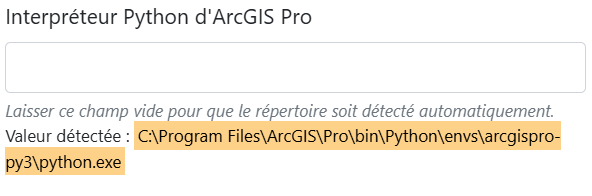
Specify ArcGIS Pro Python interpreter path
In most cases, the default directory is automatically detected and indicated in the interface. When it is not retrieved, or retrieved incorrectly, it must be entered manually.
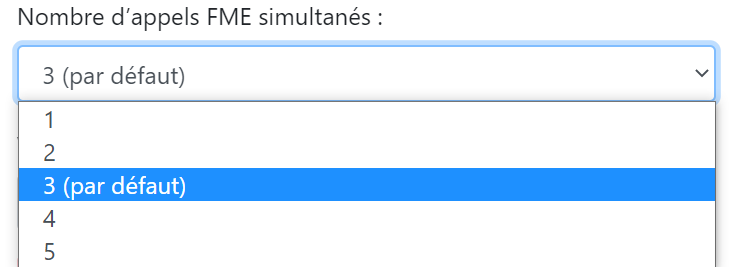
Parallelize le Scan 
The Scan service can run data processing tasks in parallel. By default, it is configured to run 3 of them simultaneously. Depending on the capabilities of the machine on which the service is installed, you can decrease or increase the maximum number of simultaneous tasks.
Keep temporary files
By default, temporary script processing files are deleted immediately after processing.
If you check the"Temporary files kept" option, they will be stored for longer in the %programdata%\Isogeo\tmp folder. They will still be deleted automatically by the service, but on a weekly basis.

This operation facilitates the recovery of these files forsupport purposes
Warning
A large volume of files may be generated. We therefore recommend activating this option only when necessary.